Website Maintenance Checklist: 10 Things Your Site Needs Every Month
Launching a website is only the beginning. Like a car or a shop, a website needs regular care to keep working well. Without it, software gets outdated, pages slow down, links break, and security problems creep in. This website maintenance checklist shows what your business website needs every month, so it stays fast, safe, and ready for customers.
Why Website Maintenance Matters
Your website is often the first thing a customer sees. An outdated or broken site makes a business look careless, and it can hurt your Google rankings too. Regular maintenance protects your investment and helps your site keep bringing in enquiries.
The Monthly Website Maintenance Checklist
1. Update WordPress, themes, and plugins
Updates fix bugs and security holes. Check for them regularly and install them, ideally after taking a backup.
2. Back up your website
A backup lets you restore your site if something goes wrong. Keep a copy of both your files and your database, and store it somewhere other than your hosting account.
3. Check security
Use strong passwords, remove users who no longer need access, delete plugins and themes you do not use, and watch for anything unusual in your dashboard.
4. Test your contact forms
Send yourself a test message every month and confirm it arrives. A broken form means lost customers, and you may not notice for weeks.
5. Check speed
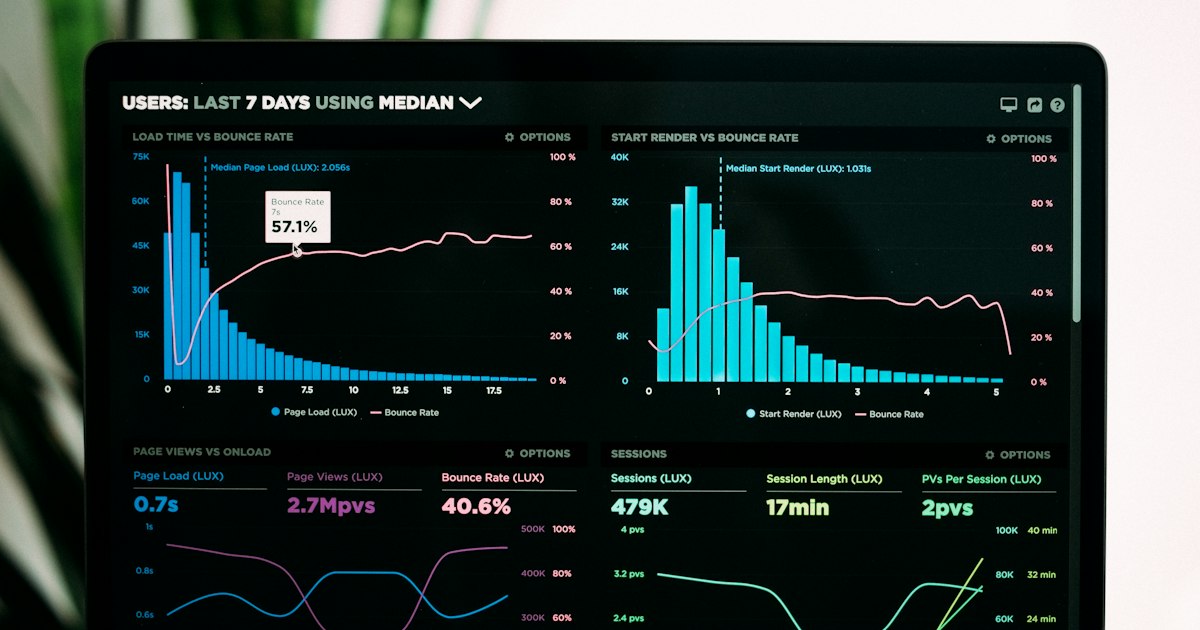
Test your pages on a phone and on a computer. Large images and extra plugins are the most common causes of a slow site.
6. Look for broken links
Click through your menus and important pages. Fix or remove any link that leads to an error page.
7. Review your content
Make sure your services, contact details, and offers are up to date. Fresh content also gives Google a reason to visit your site again.
8. Check your SEO basics
Look at Google Search Console for errors, and confirm that your page titles and descriptions are still correct. Our guide to SEO website development explains what a strong foundation looks like.
9. Test on mobile
Most visitors browse on their phones. Open your site on a real phone and make sure the menu, buttons, and forms work well.
10. Review your analytics
See which pages visitors read and where they leave. This shows you what is working and what needs improving.
Doing It Yourself or Hiring Help
You can handle simple tasks yourself, such as testing forms and checking content. Updates, backups, and security checks take technical knowledge, and a mistake can break your site. Many business owners prefer to hand maintenance to a developer so they can focus on running the business.
Frequently Asked Questions
How often should a website be maintained?
Check the basics monthly. Some tasks, such as backups and security scans, are better done weekly or automatically.
What happens if I skip maintenance?
Your site can become slow, insecure, or broken, and you may lose visitors and search rankings without realizing it.
Keep Your Website in Great Shape
GrowthWanta can look after your website so it stays updated, secure, and running smoothly. Learn about our website maintenance service, read about WordPress website development, or contact us for a free quote.